
 cPanel
How to Log in to Virtualizor Control Panel
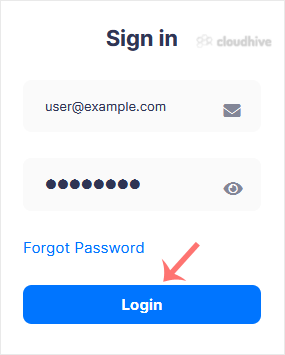
You can find the Control Panel URL, username and password in your VPS welcome email. Virtualizor Login details example:Control Panel URL: https://cp.example.com:4083 or with the IP Address.Username: Your email address.Password: example. How to log in to Virtualizor Control Panel? 1. Open VPS Cont...
 Tutorial
How to Set a Preferred Payment Method in PayPal
With multiple Debit or Credit cards, you can set your proffered payment method in PayPal. 1. Log in to your PayPal account. 2. On top of the menu, click on Wallet. 3. Click on the card you wish to set up as the preferred payment method from the left side. 4. Find Set as preferred and click on it....
Tutorial
How to Remove a Debit or Credit Card From PayPal
Follow this tutorial to remove your Debit or Credit Card from your PayPal account. 1. Log in to your PayPal account. 2. On top of the menu, click on Wallet. 3. Click on the card you want to remove from the left side. 4. Scroll down and click on Remove Card. 5. Confirm with Yes or Remove This Card...
Security
How to Link a Debit or Credit Card to Your PayPal Account
Follow this tutorial to link your Debit or Credit Card to your PayPal Account. 1. Log in to your PayPal Account. 2. On top of the menu, click on Wallet. 3. Click on Link a card. 4. Click on Debit or Credit Card, or any other appropriate option shown in your PayPal account. 5. Enter your card deta...
 Tutorial
How to Cancel an Automatic PayPal Subscription
You can cancel pre-approved, automatic payments, or a subscription in your PayPal account. 1. Log in to your PayPal account. 2. Click on the settings icon. 3. Go to the Payments menu and click on Automatic payments. 4. Tick-mark Show Active. If there is an active subscription, it will be displaye...
Tutorial
How to Check Your Automatic Subscriptions in PayPal
In this tutorial, you will learn how to check your automatic subscriptions in PayPal. This helps you manage recurring payments easily. 1. Log in to your PayPal account. 2. Click on the settings icon. 3. Go to the Payments tab and click on Automatic payments. 4. Tick-mark Show Active. If there is ...
 cPanel
How to Pay an Invoice with a Card via PayPal Without an Account
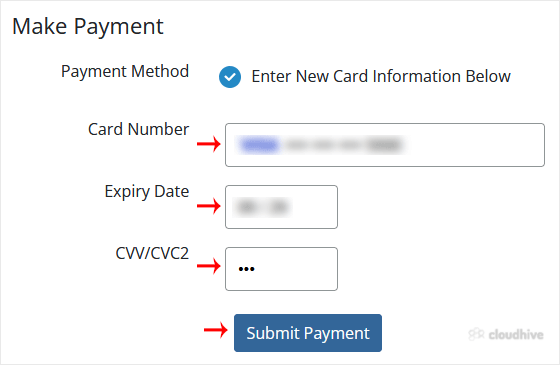
PayPal Card Payments allow you to make payments directly using debit or credit cards. You can also use alternative options if your card is not supported by PayPal. 1. Log in to your hosting client area. 2. Go to the invoice section and open your unpaid invoice. 3. Choose the Credit/Debit Card opt...
 cPanel
How to Subscribe to an Invoice via PayPal
You can subscribe to an invoice for recurring payments. The subscription option is only available if you are purchasing a recurring service and the invoice due date is in the future. 1. Log in to your hosting client area. 2. Go to the Invoices section, open the unpaid invoice you want to subscrib...
 cPanel
How to Increase PHP's post_max_size Value Using CloudLinux's Selector in Plesk
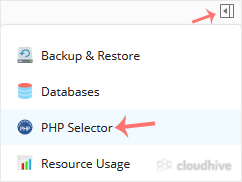
You can modify PHP post_max_size as per your needs using CloudLinux PHP Selector in Plesk. 1. Log in to your Plesk account. 2. Click on the Pull icon in the right sidebar and choose PHP Selector. 3. Click on the Options menu. Note: If the Options page shows an error related to the native PHP vers...
cPanel
How to Increase PHP's upload_max_filesize Value Using CloudLinux Selector in Plesk
You can modify PHP's upload_max_filesize as per your needs using CloudLinux's PHP Selector in Plesk. 1. Log in to your Plesk account. 2. Click on the Pull icon in the right sidebar and choose PHP Selector. 3. Click on the Options menu. Note: If the Options page shows an error related to the nativ...
cPanel
How to Increase or Decrease PHP Memory Limit via CloudLinux Selector in Plesk
You can modify PHP Memory Limit as per your needs using CloudLinux PHP Selector in Plesk. 1. Log in to your Plesk account. 2. In the right-hand sidebar, click on PHP Selector. 3. Click on the Options menu. Note: If the Options page shows an error related to the native PHP version, change it to a ...
cPanel
How to Enable or Disable PHP's display_errors via CloudLinux Selector in Plesk
Sometimes, we need to debug PHP. Hence, we need to enable display_errors or disable them for security reasons. You can do this using the CloudLinux Selector to enable or disable PHP's display_errors in Plesk. 1. Log in to your Plesk account. 2. Click on the Pull icon in the right sidebar and choo...