
PayPal Card Payments allow you to make payments directly using debit or credit cards. You can also use alternative options if your card is not supported by PayPal.
1. Log in to your hosting client area.
2. Go to the invoice section and open your unpaid invoice.
3. Choose the Credit/Debit Card option as your payment method and click Pay Now.
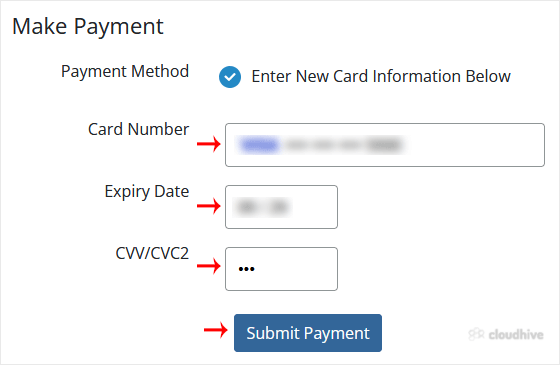
4. Enter your debit or credit card details, billing address, and other required information. Then click Submit Payment.
You may see that the payment has been successfully made. However, please note that you might need to verify your card by entering the OTP provided by your card issuer. Once verified, the payment will be completed.