
You can find the Control Panel URL, username (email address), and password in your VPS welcome email.
SolusVM 2 login details example:
Control Panel URL: https://server-hostname/login or use the IP address.
Username: Your email address.
Password: Your password.
How to log in to SolusVM 2 Control Panel?
1. Open VPS Control Panel.
2. Enter your SolusVM email address and password.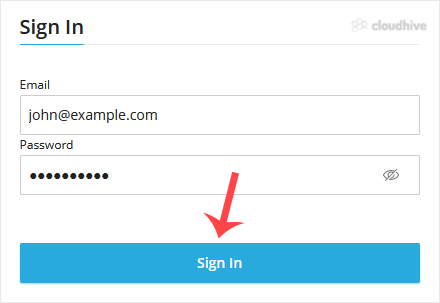
Click on Sign In, and you will be redirected to the SolusVM 2 VPS management area.
