
We hope you have already read our tutorial on How to Set Up a cPanel Email Account in Android, and you have already added a built-in email widget to your Android screen. cPanel allows you to send email using various IMAP/POP/SMTP technologies.
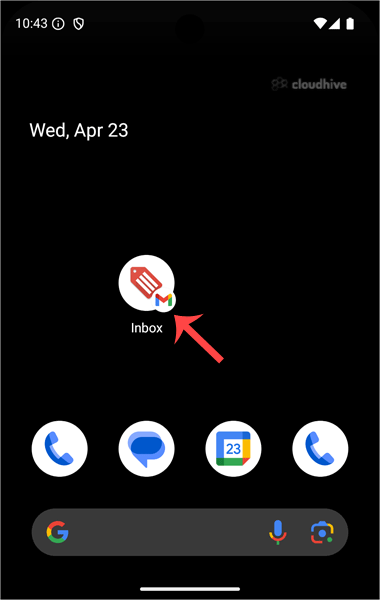
1. Open your Email inbox or Gmail Application.
2. In the Mail app, tap on Compose.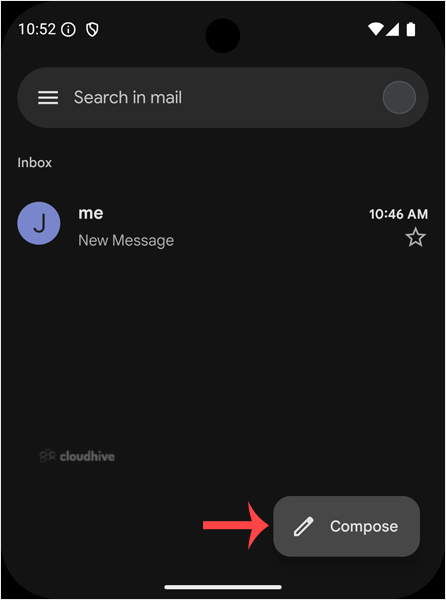
3. Enter the email address of the person you want to send the email to in the To field. Enter the email subject, and type your message. Then tap on Send.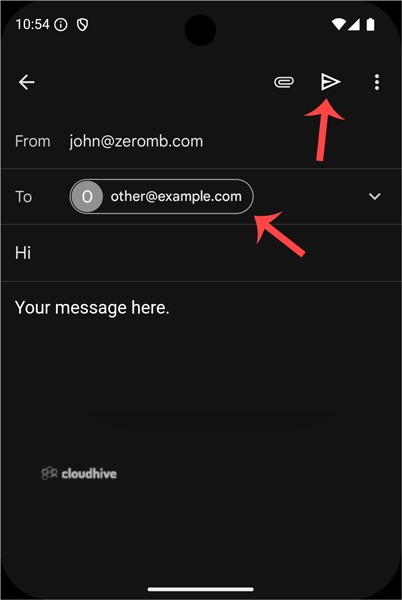
Now you know how to send an email via Android.