
In this tutorial, you will learn how to repair a database in DirectAdmin. Repairing a database helps resolve issues like corrupted tables or errors, ensuring it runs properly.
1. Log in to your DirectAdmin Account.
2. In the Account Manager section, click on Databases. Alternatively, type Databases in the search bar, and the option will appear. Click on it.
3. From the list of databases, click on Manage next to the preferred database you want to repair.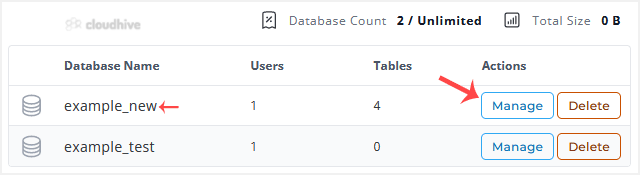
4. Scroll down to the Database Operations, and click on Repair.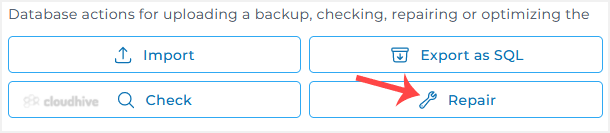
A report will display after a successful database repair.