
You can rename an FTP username in Plesk without deleting or making a new account.
1. Log in to your Plesk account.
2. Click on Websites & Domains from the Sidebar Menu.

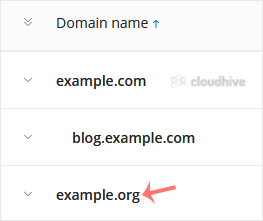
3. Under the list of Domain names, click on the appropriate domain name.
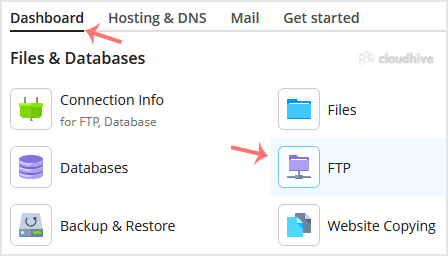
4. From the Dashboard, under the Files & Databases section, click on FTP.
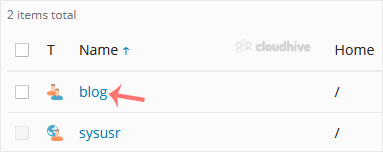
5. Click on the appropriate FTP account.
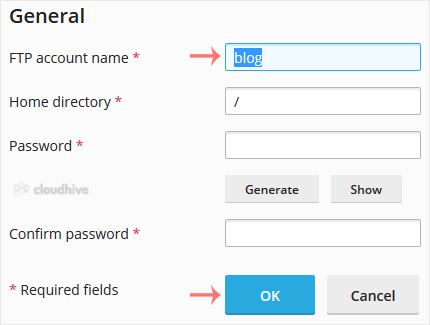
6. Enter the new FTP name in the FTP account name field and confirm with OK.
The FTP username has been successfully updated. You can now use the new name to access and manage your files as usual.