
In this tutorial, you will learn how to rename an email address in Plesk. This is helpful when you want to update the email name without deleting the account.
1. Log in to your Plesk account.
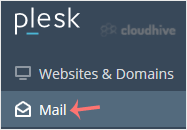
2. Click on Mail from the Sidebar Menu.
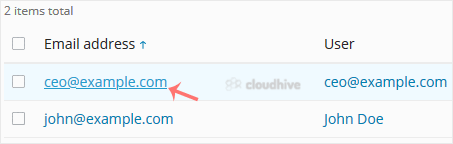
3. From the email list, click on the email account you want to rename.
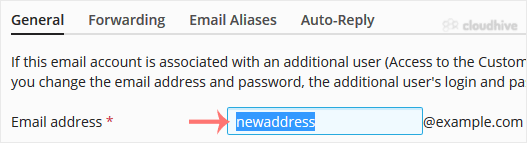
4. Enter the new email name in the email address field.
5. Scroll down and click OK.
The email address has been successfully renamed in Plesk. You can now use the updated address to send and receive emails.