
You can remove the CSR code, which is no longer needed. Please, keep a backup of the CSR code for the active SSL on your computer.
1. Log in to your cPanel account.
2. In the Security section, click on SSL/TLS.
3. Under Certificate Signing Request, click on Generate, View or Delete CSR link.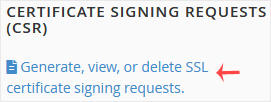
4. Under Certificate Signing Requests on Server, you can see previously generated CSR.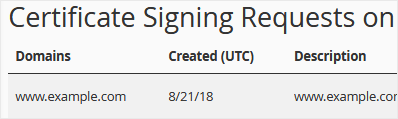
5. Click on Delete, located under the Action option. Choose Delete again to confirm.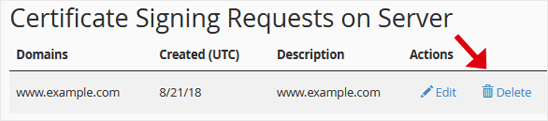
The CSR code will be removed and no longer stored on the server.