
Do you want to increase or limit cPanel user's bandwidth usage? A WHM user can modify the bandwidth of a cPanel account, and a root user can modify WHM and cPanel users.
1. Log in to your WHM Account.
2. Go to Account Functions >> Limit Bandwidth Usage or type Limit in the menu filter box. The option will appear. Click on it.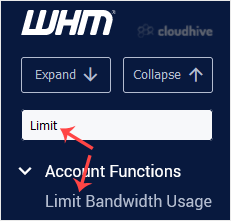
3. In the Search Box, type the cPanel username or select a user from the drop-down list. Then click on Limit.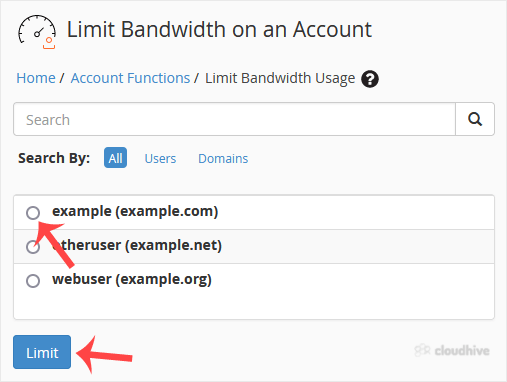
4. Under Bandwidth Limit, select the Unlimited option for unmetered bandwidth or type a value in the field box and click on Change.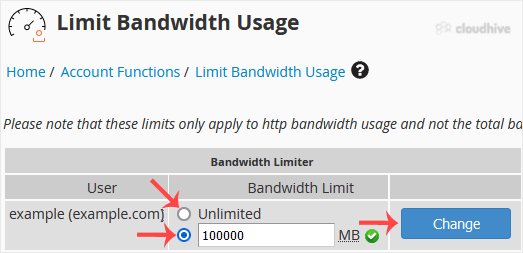
Congratulations. You have successfully modified the bandwidth of the selected user.