
Importing a database in cPanel using phpMyAdmin is a quick way to restore or migrate your data. With just a few clicks, you can upload your database and get everything running smoothly.
1. Log in to your cPanel account.
2. In the Databases section, click on phpMyAdmin.
3. From the navigation tree in the left sidebar, select an appropriate database in which you want to import data using the SQL file.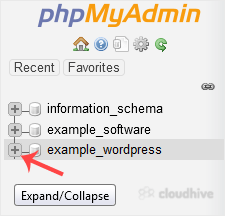
4. Click on Import.
5. Under File to import, click on Choose File and select SQL file from your computer.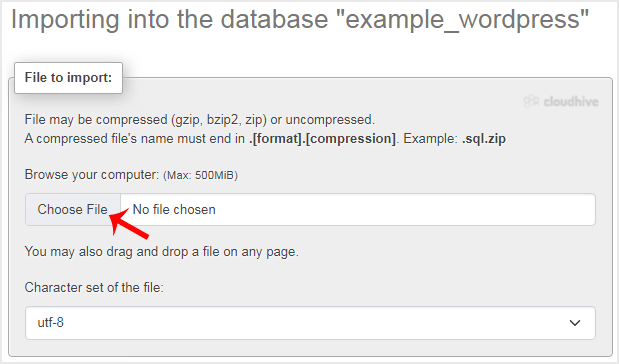
6. Scroll down and click on Import.
If it shows a success message, your SQL has been successfully uploaded.
We hope this tutorial is helpful to you.