
How to Fetch - Sync Emails in Android cPanel

How to Fetch - Sync Emails in Android

We hope you have already read our tutorial on How to Set Up a cPanel Email Account in Android, and you have already added a built-in email widget to your Android screen.


1.
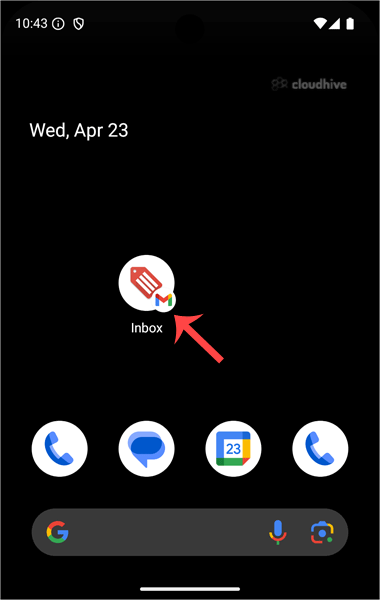
Press on Inbox.


2. Pull down from the top of the screen until the little refresh wheel start spinning. It will start syncing emails.
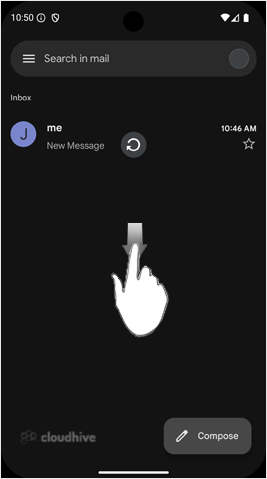

In the above screenshot, after syncing, we have received a new email.

Share: Twitter LinkedIn WhatsApp

Expert Knowledge

Articles written by certified WHMCS developers and hosting professionals.

Regularly Updated

Fresh content published regularly to keep you up to date with the latest.

Community Focused

Content built around real questions and challenges from our community.

Actionable Tips

Every article includes step-by-step guides you can apply immediately.