
Learn how to create a new database user in DirectAdmin. Follow the steps below to set it up.
1. Log in to your DirectAdmin Account.
2. In the Account Manager section, click on Databases. Alternatively, type Databases in the search bar, and the option will appear. Click on it.
3. Click on Manage Users. You will find it on the right side.
4. Under Create Users, enter your new username and password. For a random password, click the Generate Random Password icon.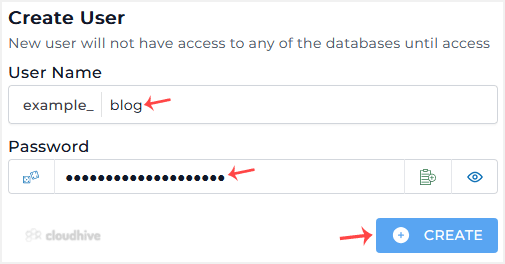
5. Click on Create.
Please, copy the newly-created database user details to a safe place.