
In Plesk, you can simplify domain management by enabling Isolated Domain Views. This feature ensures each domain opens on a separate page, allowing you to focus on one domain at a time, free from distractions or the risk of mistakes when managing multiple domains.
1. Log in to your Plesk account.
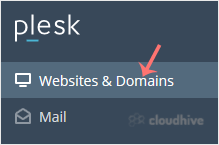
2. Click Websites & Domains from the Sidebar Menu.
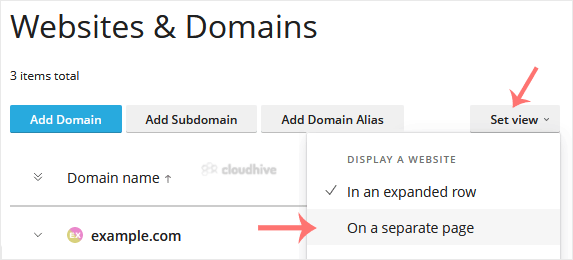
3. Click on Set View on the right side and select the On a Separate Page option.
Turning on Isolated Domain Views in Plesk helps you stay focused and prevents mistakes, like accidentally changing or deleting files in the wrong domain when working with multiple sites.