
Follow this instruction to disable two-factor authentication from your SolusVM 2 account.
1. Log in to your SolusVM 2 Control Panel.
2. Click on Account in the left-hand sidebar.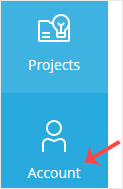
3. Click on Two-Factor Authentication.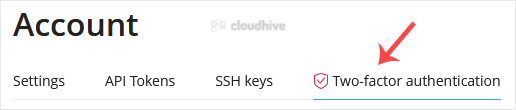
4. Click Disable and confirm again.
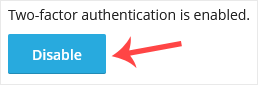
5. SolusVM will prompt you for authentication. Enter your SolusVM password to continue.
It should display a success message showing that two-factor authentication has been disabled. Make sure to re-enable it later to keep your account secure.