
You can access your VPS via VNC in an emergency, such as when a firewall blocks your IP, the Internet connection on the VPS is not working, and you cannot access SSH. Also, you can use VNC for OS installation/reinstallation.
1. Log in to your Virtualizor Control Panel.
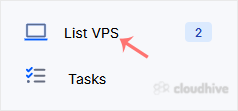
2. From the left side panel, click on List VPS.
3. Hover your mouse on the appropriate VPS, and that line will be highlighted. Then click on the Wrench icon in the highlighted line.

4. On the top right side, click on the VNC icon.

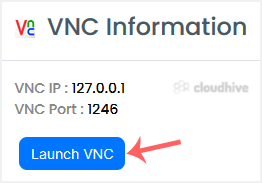
5. The new popup box will open. Click on Launch VNC.
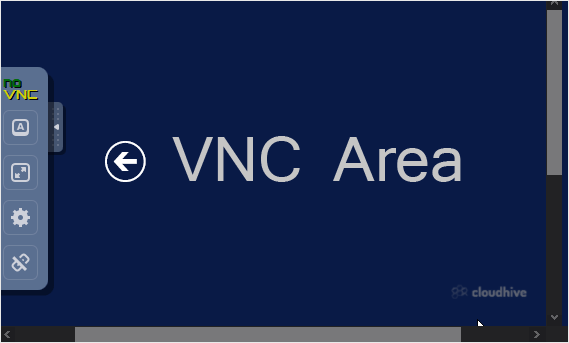
6. The VNC area will resemble the following screenshot:
We hope this tutorial is helpful to you.